
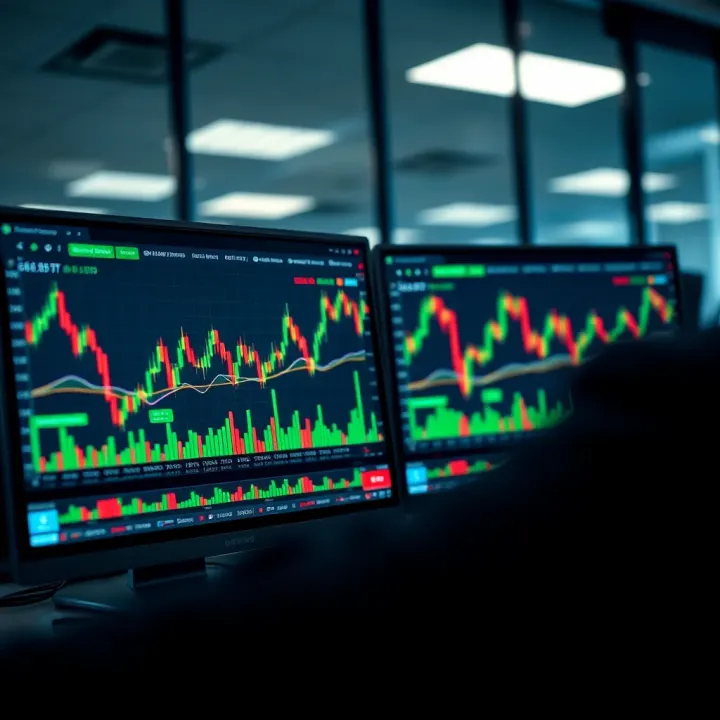
Using TradingView Live Charts for Market Analysis
📈 Learn how to use TradingView live charts for real-time market tracking in Kenya. Set up charts, interpret data effectively, and boost your trading strategy with practical tips.
Edited By
Charlotte Evans
TradingView.com has become a go-to platform for traders and investors both locally in Kenya and globally, thanks to its interactive and user-friendly charts. These charts offer a practical way to track financial markets—whether you’re watching shares on the Nairobi Securities Exchange (NSE), forex rates, or global indices. Understanding how to use TradingView’s features can sharpen your market analysis and improve your trading decisions.
At its core, TradingView provides real-time charting tools that show price movements over various time frames. You start by selecting your asset, such as Safaricom shares or the US Dollar to Kenyan Shilling forex pair, and then pick the chart type—candlestick charts are popular because they give detailed information about opening, closing, highs, and lows within a chosen period.
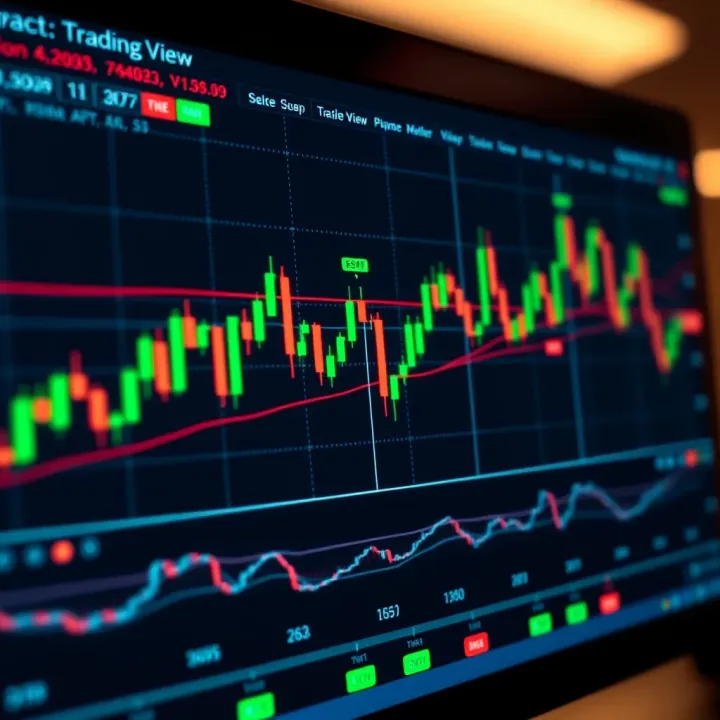
One distinctive feature is the ability to customise your charts. You can adjust colours, add trendlines, or switch between different time intervals, from minutes up to months, depending on your strategy – whether you trade daily or hold long-term positions. This flexibility means you can tailor charts to fit your specific style and market focus.
Customisation is key: a clear, personalised chart setup reduces noise and helps you spot real trends faster.
Beyond basic visuals, TradingView supports a wide range of indicators and tools. Kenyan traders often find the Relative Strength Index (RSI), Moving Averages (MA), and Bollinger Bands helpful for spotting entry and exit points. Adding these to your chart can reveal overbought or oversold conditions and suggest potential trend reversals.
You can also save multiple chart layouts or share your analysis within TradingView’s community. For example, when following NSE stocks like KCB or Equity Bank, you might create one layout focused on short-term trading and another detailed for fundamental analysis over longer terms.
In summary, mastering TradingView’s charting options is about picking the right views, indicators, and personal preferences that match your trading goals. Whether you’re a broker advising clients or an individual investor keeping an eye on dividends and price fluctuations, these tools help translate complex market data into understandable visual insights.
Next sections will unpack key features and strategies specifically suited for effective market analysis using TradingView charts.
Getting familiar with TradingView.com charts is a fundamental step for anyone serious about market analysis. These charts offer a dynamic way to visualise price movements and market trends, making them invaluable for traders, investors, analysts, and brokers. For example, a day trader following NSE stocks can use TradingView’s candlestick charts to spot entry points accurately, while a long-term investor might track commodity prices like oil or gold to gauge inflation risks.
Overview of interactive chart features
TradingView stands out with its interactive charts that allow users to zoom in and out effortlessly, scroll through historical price data, and add a variety of technical indicators. These charts are not static images; you can overlay moving averages, RSI, or MACD with just a few clicks. This flexibility means you can tailor charts depending on your analysis style, whether you are watching short-term price swings or long-term trends.
Supported asset classes and markets
TradingView covers a huge range of asset classes including stocks, forex, cryptocurrencies, commodities, bonds, and indices. For someone tracking NSE (Nairobi Securities Exchange) shares, this diversity helps because you can easily compare local stocks with global benchmarks like the S&P 500 or commodities affecting the Kenyan shilling such as coffee or tea futures. The platform also covers regional assets from the East African Community (EAC), allowing Kenyan traders to monitor currencies like the Tanzanian shilling or Ugandan shilling alongside their portfolio.
User accessibility and platform compatibility
One impressive feature is TradingView's wide access across devices and browsers. Whether you’re trading from a laptop at home, a desktop at your office, or your mobile while on the move, TradingView maintains a consistent interface. This cross-platform support is practical for traders who depend on timely updates, allowing alerts and chart monitoring over M-Pesa data plans without needing heavy hardware.
Real-time market data and alerts
TradingView provides live data feeds for many markets, meaning you don’t have to wait for delayed quotes or outdated prices. You can set price alerts so that, for example, when Safaricom’s shares hit a certain level, your phone buzzes straight away via mobile notifications. This immediacy is critical for quick decision-making.
Social trading and community insights
Unlike many charting tools, TradingView has a social element where traders publish ideas, analyses, and market commentaries. For instance, a Kenyan forex trader might share insights about KSh/USD fluctuations based on local economic news. Accessing this shared knowledge helps you get peer perspectives which can refine your strategy or alert you to market shifts you might have missed.
Integration with brokers and trading platforms
TradingView allows linking with several brokers, which means you can execute trades directly from the charting platform. This integration simplifies workflow by avoiding switching between multiple apps, saving time and reducing errors. For Nairobi-based traders using brokers with APIs supported by TradingView, this feature can streamline managing both analysis and transactions in one place.
Using TradingView charts is not just about seeing numbers—it's about interacting with the market, staying connected to timely information, and collaborating with a global community. Whether you trade NSE stocks, forex, or commodities, understanding what TradingView offers can give you a decisive edge in your analysis.
Customising your TradingView chart plays a major role in understanding market moves clearly. When you adjust charts to suit your style and strategy, you cut through the noise and spot trends faster. This clarity matters especially in volatile markets like Kenya’s NSE or forex trading, where split-second decisions can make a difference.
TradingView offers various chart types: candlestick, line, bar, and more. Candlestick charts are popular among traders because they show the open, close, high, and low prices, giving a complete picture of market action. For example, a trader watching Equity Bank shares might use candlesticks to spot reversal patterns early. In contrast, line charts connect closing prices and provide a simpler view, often useful for spotting general trends without the clutter.
Choosing the right timeframe is just as crucial. Day traders in Nairobi might focus on 5-minute or 15-minute intervals for quick trades, while long-term investors tracking Safaricom could prefer daily or weekly charts to understand the bigger picture. The timeframe must align with your trading goals—shorter timeframes capture immediate price action, whereas longer ones smooth out noise.
Colour schemes and background customisation help reduce eye strain and enhance focus during prolonged sessions. Some traders prefer dark mode backgrounds with bright candles and indicators for better contrast, especially when analysing charts late into the evening. This is easy to set up on TradingView and can improve your workflow and reduce mistakes caused by fatigue.
Scaling options and gridlines affect how you read price movements. Fixed scaling locks the price axis, preventing sudden zoom-outs, while auto-scaling adjusts dynamically to new highs or lows. Gridlines act like roadmarks, helping you judge price levels quickly. For instance, when following Kenya shilling forex charts, horizontal gridlines might help track support and resistance levels more effectively.
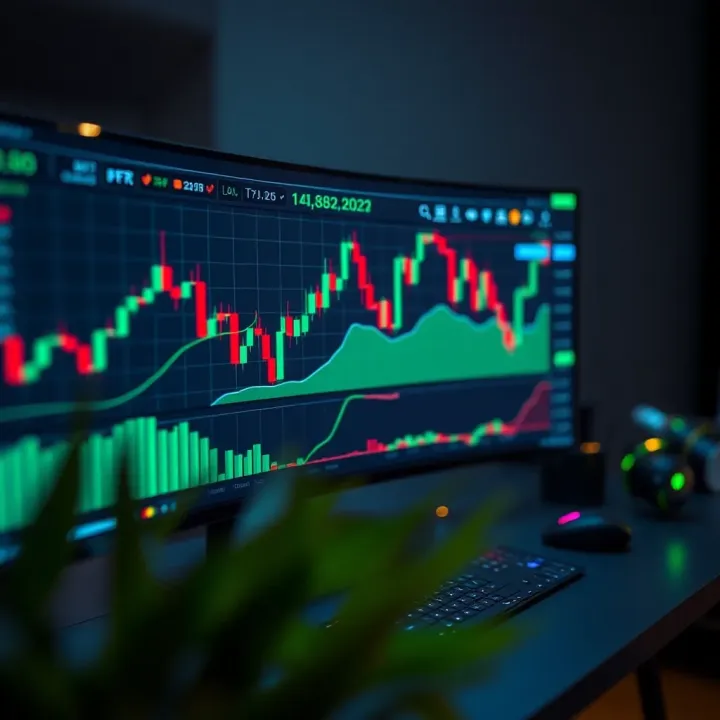
Managing how your chart scales vertically and horizontally can mean the difference between missing a trend or catching it early.
Adding and managing chart layouts lets you save multiple views for different assets or strategies. Say you want a layout for NSE stocks with RSI and Moving Averages, and another layout tracking forex pairs with Bollinger Bands. TradingView allows you to switch between these setups in seconds, saving time and keeping your analysis organised. You can even split the screen to view different markets side by side, a handy feature during busy trading days.
Tailoring your TradingView charts to your needs sharpens your analysis, making market signals more visible and reducing second-guessing. The clearer your charts feel, the better your trading decisions will likely be.
By selecting appropriate chart types, timeframes, and adjusting visuals thoughtfully, you build a charting environment that works for you—not against you.
TradingView charts offer a powerful set of tools and indicators that traders and investors use to make sense of market movements. Knowing how to apply these tools correctly can help you spot opportunities, manage risks, and confirm trends before making trading decisions. For Kenyan traders, combining these indicators with local market knowledge improves accuracy.
Moving averages smooth out price data to help you understand the overall direction of a market. For example, a 50-day moving average shows the average price over 50 days, which filters out daily noise. When the price crosses above or below the moving average, it can signal potential buy or sell moments. RSI, on the other hand, measures the speed and change of price movements, flagging overbought or oversold conditions. An RSI above 70 might indicate a market is overbought and due for a correction, while below 30 suggests oversold conditions and possible price bounce.
Both moving averages and RSI are easy to add on TradingView and provide quick insights for timing entries or exits, especially useful in volatile markets like NSE stocks or forex pairs in Kenya.
The MACD (Moving Average Convergence Divergence) indicator helps track momentum by showing the relationship between two moving averages. A bullish signal occurs when the MACD line crosses above the signal line; bearish when it crosses below. This is handy to spot trend changes early.
Bollinger Bands place an envelope around price action using standard deviations. When prices hit the upper band, the asset may be overbought; near the lower band, it may be oversold. Kenyan traders tracking commodities or currency pairs find Bollinger Bands useful for identifying periods of high volatility and potential breakouts.
Volume confirms the strength of price moves. For instance, a price rise with rising volume suggests genuine buying interest. Conversely, price drops on high volume might hint at stronger selling pressure.
Trend indicators like the Average Directional Index (ADX) help assess the strength of a trend without indicating its direction. Together, these tools prevent false signals and help traders avoid entering during weak or uncertain trends.
Drawing trendlines connects important highs or lows, illustrating the market direction. Support and resistance lines mark price levels where buying or selling interest has historically been strong. For example, if a NSE share repeatedly bounces off KSh 100, that's a support level.
Tracking these levels on TradingView helps you identify entry points and set stop losses, making trades more disciplined and less guesswork.
Fibonacci retracement levels predict likely price pullback zones after a strong move. Kenyan traders often use these to measure stock corrections or forex retracements, planning buy orders near these levels. Other tools, like Elliott Waves or Gann Fans, add layers for advanced analysis but require more practice.
TradingView lets you annotate charts with symbols or text to mark trade entries, exits, or important observations. For example, you might tag a chart with a note about a pending central bank announcement affecting KSh-USD forex.
Using these annotations keeps your analysis organised, helps review past decisions, and refines strategies over time.
Effective use of TradingView’s tools combined with consistent chart annotation makes market analysis clearer, helping Kenyan traders stay ahead of market moves and manage risks better.
Overall, mastering indicators and drawing tools on TradingView sharpens your analysis and can boost confidence in your trading decisions.
TradingView charts can be highly effective tools for analysing markets within Kenya and the wider East African region. Applying these charts in the Kenyan context means understanding local asset classes, currencies, and how they interact with regional and global trends. This tailored approach enables investors and traders to make more accurate decisions based on data that reflects their specific market realities.
TradingView offers detailed charting options for stocks listed on the Nairobi Securities Exchange (NSE). Using these charts, traders can track price movements, volumes, and market sentiment around popular NSE stocks like Safaricom, Equity Bank, and KCB. For example, identifying support and resistance levels on Safaricom shares could signal the best entry points to buy or sell. This immediate access to NSE data helps Kenyan investors avoid depending on delayed reports or hearsay common in local markets.
The NSE markets can be volatile due to factors such as political events or economic policy changes. Monitoring these movements through TradingView charts allows users to respond quickly and fine-tune trading strategies accordingly. Additionally, overlays like moving averages and RSI help clarify whether a stock is oversold or overbought, which is vital for avoiding costly mistakes.
Kenyan traders also benefit from using TradingView charts to monitor regional currencies like the Ugandan Shilling (UGX), Tanzanian Shilling (TZS), and Rwandan Franc (RWF), especially in relation to the Kenyan shilling (KSh). These charts help users see trends or sudden changes driven by cross-border trade or monetary policy decisions by the EAC central banks.
For commodities, the platform tracks essential goods such as tea, coffee, and maize prices significant to Kenya's economy. Visualising price fluctuations over time can guide farmers, traders, and exporters on the best times to sell or purchase. For example, noticing a steady decline in coffee futures could prompt exporters to lock in prices early before further drops.
TradingView enables comprehensive analysis of the Kenyan shilling’s (KSh) performance against key foreign currencies like the US dollar (USD), Euro (EUR), and British pound (GBP). This comparison is crucial because local import costs, inflation, and investment flows often hinge on the KSh forex fluctuations.
For instance, seeing a weakening trend of the KSh against the USD on TradingView can prompt importers to accelerate payments before prices go higher, or exporters to adjust their pricing. Kenyan forex traders can also leverage this data to optimise entry and exit points for forex positions, using historic levels and technical indicators like Bollinger Bands for confirmation.
Kenya’s markets do not move in isolation, so tracking global influences alongside local assets is key. TradingView charts help juxtapose NSE stocks or Kenyan shilling forex rates against major international indices such as the S&P 500 or commodities like crude oil and gold.
For example, a sharp rise in crude oil prices globally can increase fuel costs in Kenya, affecting transport and production expenses. By spotting this trend early on TradingView, businesses can plan for inflationary pressures or adjust supply chains. Similarly, international stock rallies can attract foreign investment into Kenyan markets, which traders can anticipate by observing correlated chart movements.
Keeping a close eye on both local markets and their global counterparts using TradingView charts equips Kenyan traders and investors with a broader perspective. This helps to build resilient strategies in a constantly changing environment.
By linking Kenyan market data with broader trends, TradingView empowers users to trade smarter, recognising risks and opportunities beyond their immediate geography.
Gaining an edge in market analysis often hinges on small, practical habits that boost your use of charting tools. TradingView’s platform is packed with features that, when used well, can sharpen your trading decisions and keep you ahead of market moves. This section highlights how setting alerts and crafting a clear trading strategy using chart insights can elevate your analysis.
Creating price and indicator alerts is one of the easiest ways to stay on top of market changes without constantly watching your screen. For example, if a Nairobi Securities Exchange (NSE) stock like Safaricom reaches a certain price level, you can set an alert to notify you immediately. These alerts can also track technical indicators such as Relative Strength Index (RSI) crossing key thresholds, which often signal overbought or oversold conditions. This hands-free monitoring lets you focus on other responsibilities while still catching important signals.
Using mobile notifications ensures you get these alerts in real time, even when away from your computer. TradingView’s mobile app pushes alerts directly to your phone, giving you the chance to make timely trade decisions. For instance, if your alert triggers just as the market opens after the lunch break in Nairobi, you can jump in before major moves happen. This feature is especially valuable for Kenyan traders who rely on both desktop and mobile access during busy days.
Combining multiple indicators for confirmation can reduce false signals and improve your trading accuracy. Suppose you spot a bullish crossover in the Moving Average Convergence Divergence (MACD) indicator in NSE stock charts. Cross-checking this with volume spikes and RSI values can strengthen your confidence to enter a trade. This layered approach guards against being misled by noise, particularly in volatile markets like forex pairs involving the Kenyan shilling against the US dollar.
Risk management through chart analysis is just as vital for protecting your capital. By identifying support and resistance levels on TradingView charts, you can better place stop-loss orders to cap potential losses. For example, if you trade East African Community (EAC) currency pairs, knowing key chart levels helps decide exit points before market swings get out of hand. Chart-based risk controls keep you disciplined and avoid reckless decisions driven by emotion or panic.
Setting and reacting quickly to alerts, alongside a strategy built on combined indicators and risk controls, turns TradingView charts from a simple visual tool to a reliable aid in market decision-making.
With these practical tips, you move beyond basic chart viewing to making informed, timely trades tailored to Kenya’s unique market environment. This hands-on approach pays dividends in an unpredictable market.
📈 Learn how to use TradingView live charts for real-time market tracking in Kenya. Set up charts, interpret data effectively, and boost your trading strategy with practical tips.
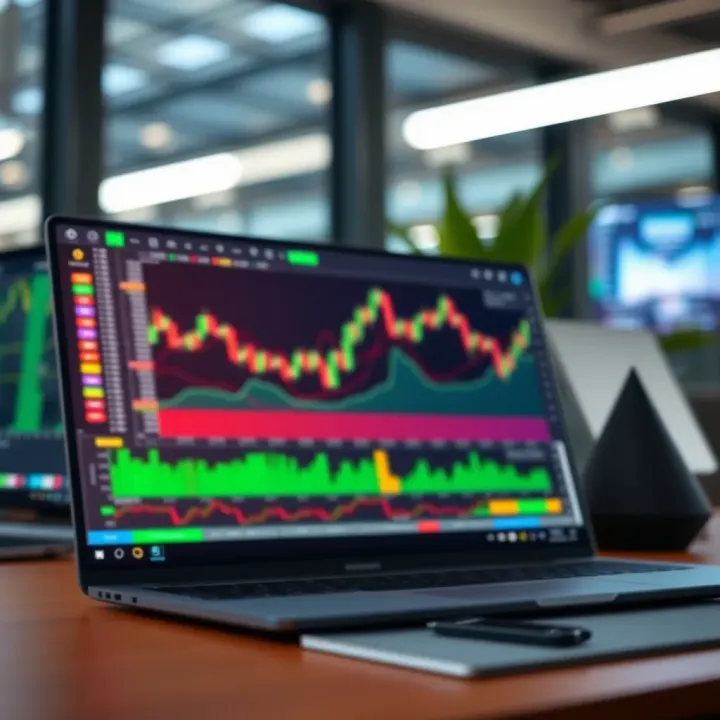
📊 Learn how to set up and use TradingView for precise market analysis. Discover key features, integration tips, and ways to tackle challenges for smarter trades.
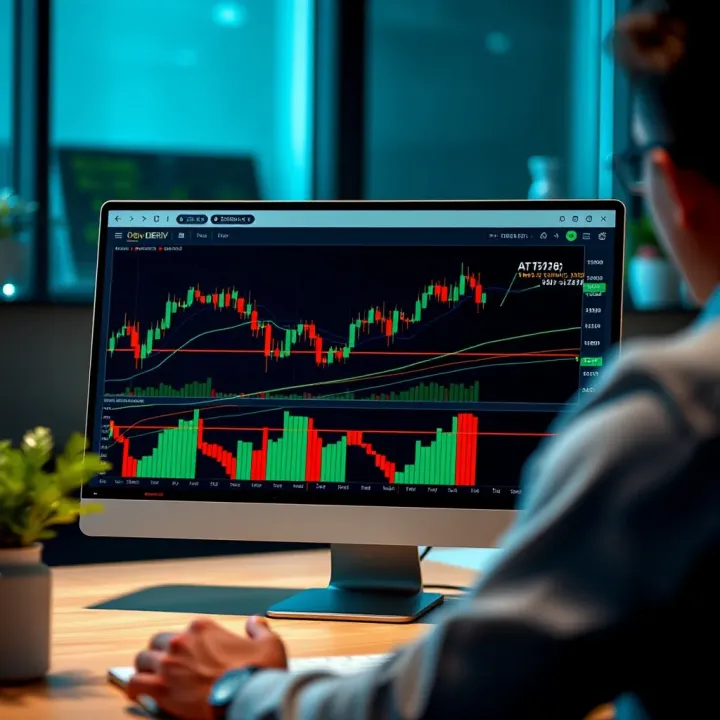
📈 Learn how to integrate TradingView charts on the Deriv platform for smarter trading. Get practical tips, handle challenges, and make informed moves confidently.
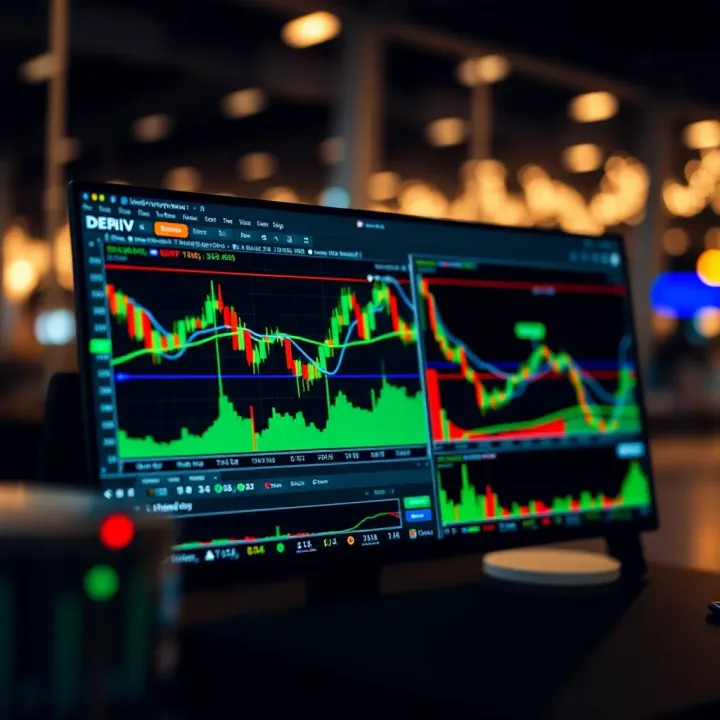
Explore how Deriv and TradingView charts work together 📈 for smarter trading. Learn tips and tricks to improve your market analysis for effective decisions.
Based on 5 reviews