
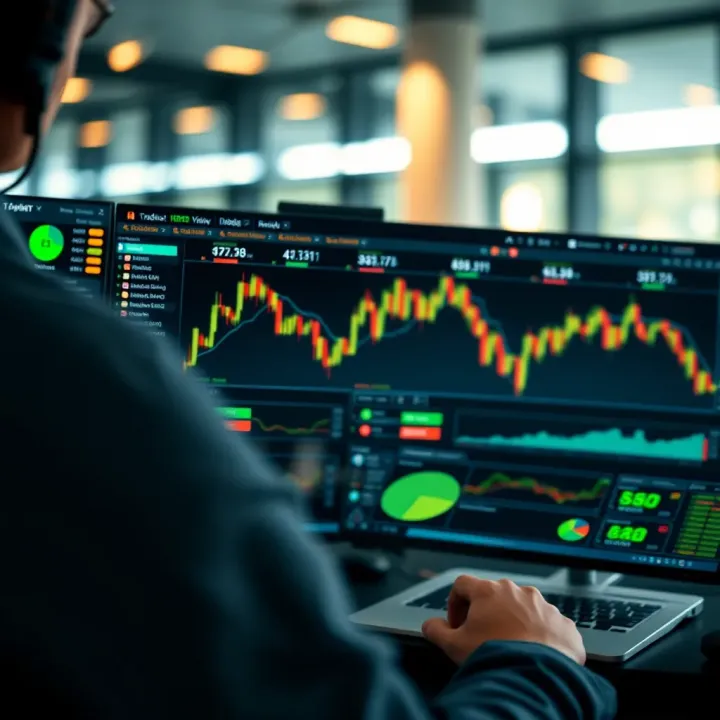
How to Use TradingView with Deriv for Better Trading
📊 Learn how to connect TradingView with Deriv for better charts and smarter trades. Practical tips for Kenyan traders wanting to improve performance in financial markets.
Edited By
Isabella Green
TradingView has become a go-to platform for many Kenyan traders, investors, and finance professionals keen on market analysis. Its powerful charting tools, real-time data, and user-friendly interface make it ideal for making informed trading decisions across asset classes including stocks, forex, commodities, and cryptocurrencies.
Getting started with TradingView involves creating an account on their web or mobile app, which is straightforward and free at basic level. Right after sign-up, you gain access to detailed charts offering multiple timeframes – from one-minute to monthly views – allowing you to tailor analysis per your trading style.
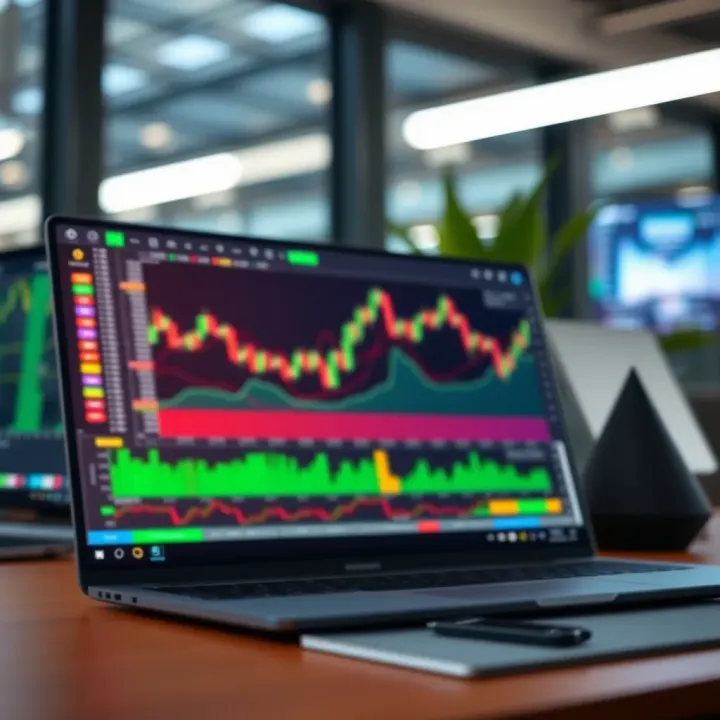
One of TradingView’s strengths lies in its extensive library of technical indicators such as Relative Strength Index (RSI), Moving Averages, and Bollinger Bands. You can easily apply these indicators to any chart and customise settings to fit your strategy. For example, a trader examining NSE stocks might combine the 50-day and 200-day moving averages to spot trend changes.
Besides indicators, TradingView enables access to built-in drawing tools like trendlines and Fibonacci retracements, which help in visualising support and resistance levels – critical for timing entries and exits effectively. Plus, alerts can be set on key price points or indicator thresholds, so you don’t miss opportunities even when away from screens.
TradingView combines comprehensive data tools with simplicity—a key factor why many in Nairobi’s bustling finance scene prefer it for daily market tracking.
Integration-wise, TradingView supports connecting with brokers such as Interactive Brokers and OANDA, allowing users to execute trades directly from the platform. This removes the need to juggle multiple windows, streamlining your workflow.
However, challenges like intermittent internet connectivity in some regions can affect real-time data streaming. To mitigate this, TradingView’s mobile app allows offline chart viewing, ensuring analysis continuity.
Using TradingView effectively requires practice and consistent review of charts and alerts. Start with a small watchlist relevant to your interests, like Safaricom shares or forex pairs involving the US dollar and Kenyan shilling, to avoid being overwhelmed.
In summary, setting up TradingView is straightforward, and its rich features promote smarter market decisions if you engage with the platform regularly. Your success largely depends on how well you integrate these tools into your trading routine.
TradingView has grown to become a vital tool for traders and investors looking to make well-informed decisions. Its importance lies in providing an accessible platform where market data, analysis tools, and community insights come together in a single place. For Kenyan traders juggling busy schedules, this platform offers a straightforward way to keep track of multiple markets without juggling various software.
TradingView offers a clean and intuitive user interface, which makes charting and market analysis approachable even for beginners. Key features include dynamic charts, a wide range of technical indicators, and drawing tools to mark trendlines or support and resistance levels. For example, a trader tracking the NSE 20 Share Index can easily annotate their charts directly within the platform to spot trends or reversal patterns.
The platform supports a broad array of markets – stocks, forex, commodities, cryptocurrencies, and even bonds. This diversity means you can monitor the Kenyan shilling's movement against the US dollar alongside tracking coffee futures or bitcoin prices. The access to different asset classes in one place saves time and reduces the need to switch between different apps or websites.
TradingView is also accessible from various devices – desktops, tablets, and smartphones. This makes it practical for traders moving from Nairobi's bustling CBD to their homes or shambas, allowing continuous access to real-time data and analysis while on the go. The mobile app keeps you connected and ready to react to important market events without being tied to a desk.
One reason traders rely on TradingView is the extensive charting tools and technical indicators available. You can apply moving averages, Relative Strength Index (RSI), Bollinger Bands, and many more to analyse price movements. These tools help spot entry and exit points for trades. For example, a forex trader might use the RSI to determine if a currency pair like EUR/USD is overbought or oversold before making a call.
Beyond the tools, the TradingView community offers valuable insights. Traders share analyses, setups, and trading ideas openly. This pool of collective knowledge can provide alternative views that you might not have considered. For instance, a Kenyan stock trader could follow other local market enthusiasts who post regular updates on Safaricom or Equity Bank shares.
Real-time data and alert features keep traders ahead of the curve. Alerts can notify you of price movements or when a technical condition, like a moving average crossover, happens. In Kenya’s fast-moving market environment, receiving a timely alert can be the difference between capitalising on an opportunity or missing out. These alerts can be sent directly via email, SMS, or the TradingView app, helping you stay on top of your investments wherever you are.
TradingView's ability to combine versatile tools, market coverage, and a vibrant trader community makes it a practical choice for both beginner and seasoned market participants in Kenya and beyond.
Setting up TradingView according to your trading style and goals is vital for making accurate market decisions. Tailoring the platform lets you see relevant data at a glance, reduces information overload, and streamlines your workflow. Whether you trade stocks, forex, or commodities, a well-set workspace saves time and helps you spot opportunities faster.
Getting started with TradingView is straightforward. You can sign up using your email or social accounts, which opens access to a basic free plan. This lets you explore charts and some indicators but comes with limits—such as fewer alerts and restricted access to premium tools.
For more serious traders, paid plans provide added benefits like multiple chart layouts, advanced indicators, and unlimited alerts. For example, a retail forex trader focusing on multiple pairs might find the Pro+ or Premium options worth the investment, as they enable simultaneous monitoring of several markets without switching tabs.
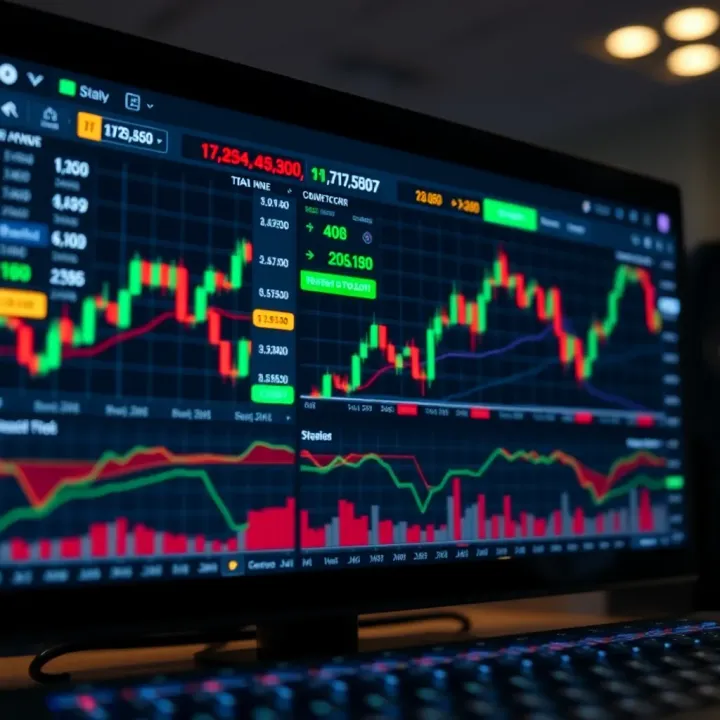
Once logged in, you should customise your chart settings to match your trading needs. This might include selecting timeframes that suit your strategy, like 15-minute or daily charts, adjusting colours for better visibility, or adding specific technical indicators such as RSI or moving averages.
Custom layouts also let you save combinations of charts and indicators to switch between strategies quickly. If you tend to analyse trends and scalping setups, having separate preset layouts for each saves effort during market sessions, giving you an edge over those who manually reconfigure charts every time.
TradingView allows you to save your entire workspace, including chart configurations, indicators, and drawing tools. This feature is essential for continuity—imagine preparing detailed support and resistance zones for the NSE 20 share index. Saving templates ensures that when you return the next day, all your work remains intact.
Templates also help when testing different approaches. You can duplicate a saved workspace, tweak indicators or timeframes, and compare results without losing the original setup. This is especially handy during KCSE result seasons when market volatility spikes around education stocks.
TradingView covers various asset classes from NSE-listed shares like Safaricom and Equity Bank to forex pairs such as USD/KES, and commodities like tea or coffee futures. You can add specific instruments to your watchlist, allowing quick access without searching each time.
For instance, a trader interested in energy sectors might addoil futures alongside shares in Kenya Power, making monitoring sector movements simpler. This breadth allows diverse strategies under one platform.
Watchlists are more than just lists—they organise your market focus. Create separate watchlists based on sectors, asset classes, or trading strategies. For example, you might have one for local equities, another for forex pairs, and a third for commodities relevant to Kenya’s export economy.
By organising this way, you avoid clutter and improve market tracking efficiency. Plus, you can reorder or prioritise instruments so that the most crucial ones stay on top, helping you respond swiftly to price moves.
Alerts let you stay on top of market movements without staring at charts all day. TradingView supports notifications triggered by price levels—for instance, when Safaricom’s stock crosses KS0—or technical signals like MACD crossovers.
You can set alerts to send pop-ups, emails, or even SMS, ensuring you won’t miss key moments. This is particularly useful for busy traders who can't be glued to screens but want to catch breakout trades or trend reversals.
Setting up alerts based on your specific targets keeps you proactive, reducing watch time and preventing missed chances.
Overall, investing time to customise TradingView to your needs pays off by streamlining your trading process and sharpening your decision-making. Whether handling multiple markets or focusing on one sector, proper setup turns raw data into actionable insight.
Bringing TradingView together with other trading systems broadens the scope of market analysis and improves the efficiency of trade execution. This integration lets traders connect TradingView’s powerful charting and analytical tools directly with broker platforms and other applications they use daily. It means less switching between tabs, quicker decision-making, and fewer mistakes when timing trades.
Several brokers support direct integration with TradingView, including popular ones like Interactive Brokers, OANDA, and FXCM. This connection allows traders to view live price charts on TradingView and place trades on their broker accounts without leaving the platform. It smooths the trading workflow, especially for those who rely on technical analysis to determine when to enter or exit positions.
Placing trades through TradingView gives a hands-on approach. For example, if you spot a breakout on the EUR/USD pair, you can trade immediately while the information is fresh. This trims the lag times often caused by toggling between software or platforms, which can cost money in volatile markets. On top of that, traders can set stop-loss and take-profit orders right from TradingView, streamlining risk management.
Keeping account data synced across platforms is another key benefit. When linked properly, your open positions, order status, and trade histories update in real time. This is crucial for monitoring overall portfolio health and swiftly adjusting positions as market conditions evolve. Syncing also helps avoid discrepancies that may arise when different systems show conflicting data, giving you a clear and reliable trading picture.
Embedding TradingView charts on websites or blogs is a smart way to enrich financial content or share market insights with your audience. For instance, a financial analyst running a blog can embed interactive charts to support market commentary, making the content more engaging and credible. It also encourages readers to explore deeper data without leaving the page.
Customization of widget appearance is essential to maintain brand consistency and user experience. TradingView lets you adjust chart colours, sizes, and data points shown to fit your website’s layout or specific needs. This flexibility ensures that embedded charts look neat and professional rather than out of place or cluttered.
For developers or businesses requiring advanced solutions, TradingView APIs offer powerful tools to fetch data and integrate charts seamlessly into apps or platforms. For example, a fintech startup could use the API to pull live prices and historical data for local stocks listed on the Nairobi Securities Exchange (NSE) directly into their mobile app. This level of integration boosts functionality without the hassle of building complex charting systems from scratch.
Integrating TradingView with broker platforms and embedding its tools strengthens both analysis and execution. It helps traders stay informed, act fast, and present market data interactively.
In summary, combining TradingView with other trading systems reduces friction, improves accuracy, and provides richer insights, all key for effective market analysis and profitable trading.
To truly get the most from TradingView, it’s not enough to simply open charts and watch price movements. Practical tips can turn these tools into powerful aids for making better, quicker trading decisions. By mastering specific features like technical indicators, scripting custom strategies, and engaging with the community, you can develop an edge that goes beyond basic analysis.
Applying indicators and drawing tools is key for identifying market trends and potential entry or exit points. Traders can use common indicators such as Moving Averages or the Relative Strength Index (RSI) to gauge momentum or spot overbought and oversold conditions. Drawing tools like trendlines and Fibonacci retracements help visualise support and resistance levels. For instance, a trader following the NSE 20 Share Index might draw trendlines to track support zones and apply volume indicators to confirm breakout strength.
Using Pine Script for custom strategies extends TradingView’s usefulness by allowing traders to build personalised trading rules. If standard indicators don’t match your style, Pine Script lets you code your own alerts or combine multiple indicators for unique signals. For example, a commodities trader could write a script that triggers when both the 14-day RSI dips below 30 and the MACD crosses upwards, signalling a potential buy in coffee futures. This flexibility caters especially well to systematic traders or those wanting automations without switching platforms.
Backtesting techniques help verify if a strategy or indicator would have worked historically before risking real money. Using TradingView’s backtest feature, you can simulate trades over past periods and calculate profitability metrics like win rate and maximum drawdown. Suppose an investor tests a moving average crossover strategy on Safaricom’s stock over two years. Backtesting reveals whether that strategy outperformed a simple buy-and-hold approach, guiding whether it’s worth executing live. This reduces guesswork and builds trader confidence.
Following other traders and sharing ideas exposes you to diverse perspectives that can sharpen your views or highlight setups you might miss alone. On TradingView, you can follow analysts who trade Kenyan equities or forex pairs actively and see their published charts and commentary. This social element acts like a virtual trading floor or community forum, where reading discussions on Kenyan Treasury Bond yields or peer analysis on maize futures adds real-time insight.
Publishing trading setups allows traders to showcase their analysis and strategies openly. By posting annotated charts or ideas, you contribute feedback loops where others comment and challenge your thoughts, fostering ongoing learning. For instance, a trader might publish a detailed setup on EABL’s price action weekly chart, inviting constructive critique. This transparency hones skills and builds a reputation.
Using chat and discussion forums within TradingView connects you instantly with peers interested in specific markets or techniques. Whether you want to compare views on forex trend reversals or share alerts for NSE trading halts, forums provide a platform for immediate exchange. In Kenya’s bustling financial markets, jumping into these forums can reduce FOMO and keep traders linked to the pulse of market sentiment.
Practical use of TradingView tools and community features together offers a dynamic way to sharpen your trading decisions, mitigate risks, and stay updated on markets relevant to you.
Following these tips turns TradingView from a simple charting platform into a comprehensive market companion suited to Kenya’s complex trading environment.
Using TradingView brings a lot of benefits to traders and analysts, but like any powerful tool, it comes with its own set of challenges. Overcoming these common issues is key to keeping your market analysis smooth and reliable. Whether you face data delays or security worries, understanding these hurdles lets you focus on making smart trading decisions.
Troubleshooting real-time data delays is essential since timely data influences market moves directly. Sometimes, you may notice charts lagging or alerts coming in late. This can happen due to TradingView’s data feed limitations or your internet speed. For instance, users relying on free accounts might experience delayed quotes on certain exchanges, which could result in missed entry or exit points. Upgrading to a paid plan often reduces these delays by providing faster, more reliable real-time data.
When it comes to managing internet connectivity challenges, a stable and fast connection is a must. Frequent dropouts can interrupt chart updates or disconnect your session, making it hard to track volatile market conditions. Traders in areas with spotty network coverage, like some rural parts of Kenya, might benefit from using backup internet options such as mobile data alongside fixed broadband. Also, using a lightweight browser or TradingView’s desktop app can help prevent slowdowns during poor connectivity.
Understanding data subscription limits is vital to avoid surprise restrictions. TradingView’s tiered plans come with different data access levels—for example, some market data like Nigerian stock exchange prices may require additional subscriptions, which are separate from TradingView’s standard service. If you're following multiple markets simultaneously, exceeding your data quota may cause some charts to freeze or show outdated information. Checking your plan's limits and not overloading your watchlists can save you from unnecessary interruptions.
Protecting login credentials must be a top priority given the financial information TradingView holds. Avoid using the same passwords across platforms and change them regularly. For instance, if someone guesses or steals your password, they could access your account, modify your strategies, or disrupt your trades. Always keep your password secure and private.
Understanding TradingView privacy settings helps control who sees your trading ideas and personal details. By default, profiles and published analyses may be public, exposing your strategies to others. If you prefer keeping your trades or watchlists private, adjust these settings to limit visibility. This is particularly useful for professional traders who want to keep their edge without sharing too much with the community.
Using two-factor authentication (2FA) adds an extra layer of security beyond just passwords. Activating 2FA means even if your password is compromised, a second step—like a code sent to your mobile—is needed to access the account. Given the rising cyber risks, enabling 2FA is a straightforward way to guard your TradingView profile and data from unauthorised access.
Overcoming connectivity and security challenges not only improves your TradingView experience but also protects your trading integrity and confidence. Making these adjustments early saves you hassle later, especially when market conditions demand quick, reliable decisions.
By keeping these challenges in check, you ensure that TradingView remains a dependable tool for your market analysis and trading success.
📊 Learn how to connect TradingView with Deriv for better charts and smarter trades. Practical tips for Kenyan traders wanting to improve performance in financial markets.
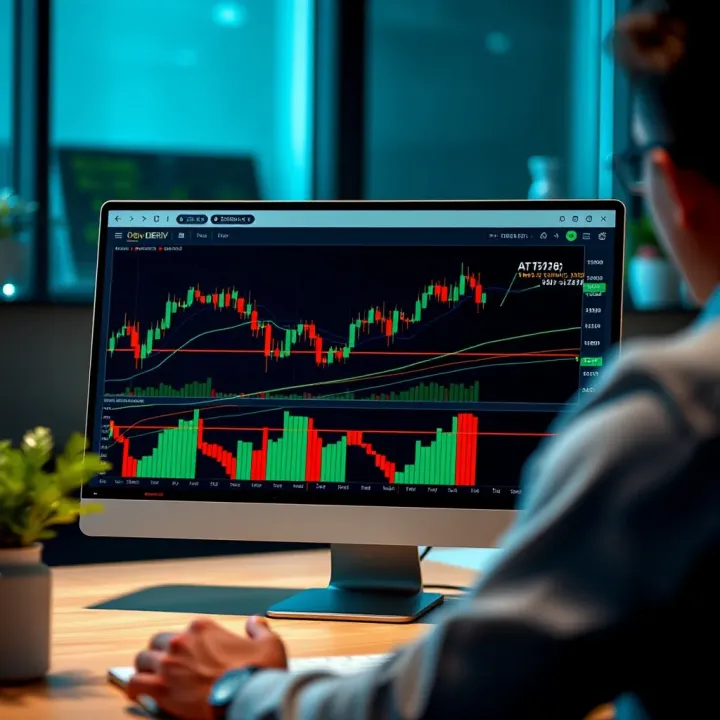
📈 Learn how to integrate TradingView charts on the Deriv platform for smarter trading. Get practical tips, handle challenges, and make informed moves confidently.
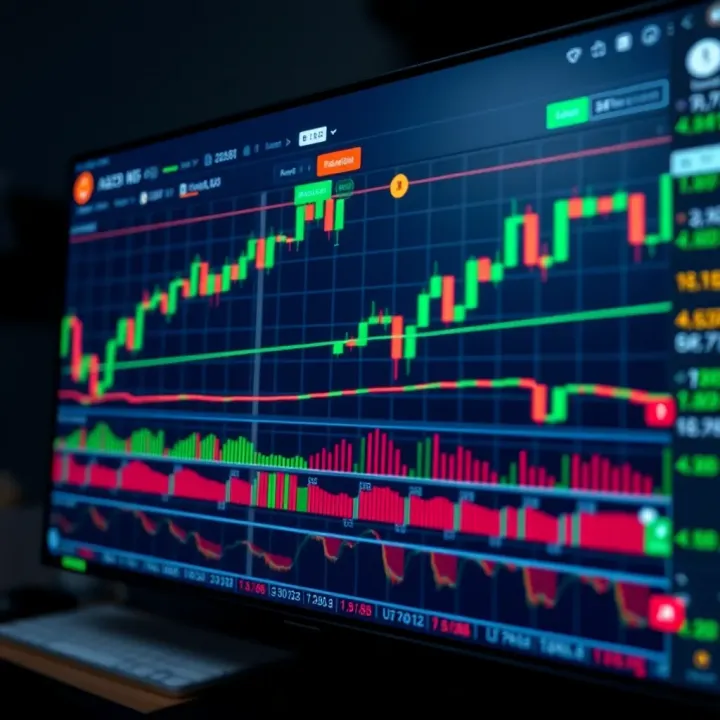
📈 Kenyan traders can blend TradingView’s charts with Deriv platform for smarter trades. Learn to sync data and use indicators to boost your market insights effectively.
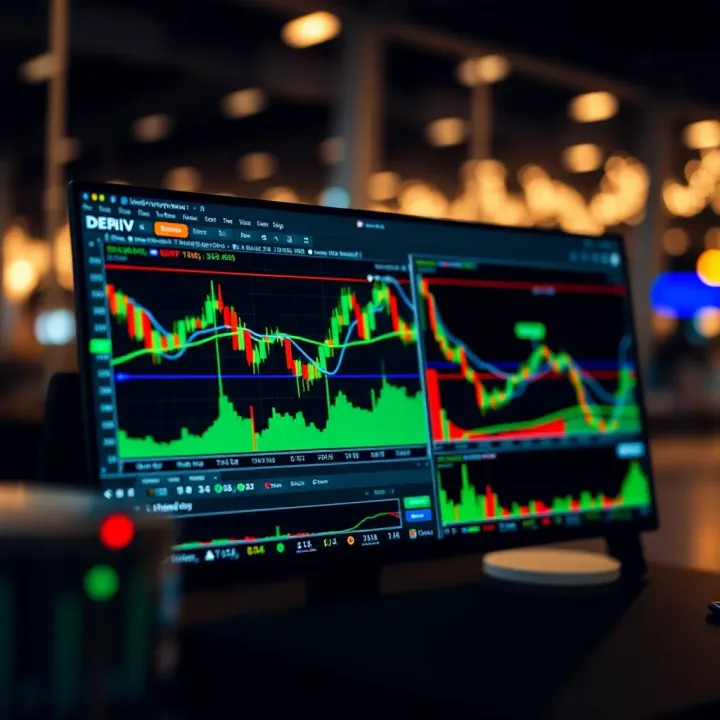
Explore how Deriv and TradingView charts work together 📈 for smarter trading. Learn tips and tricks to improve your market analysis for effective decisions.
Based on 8 reviews