
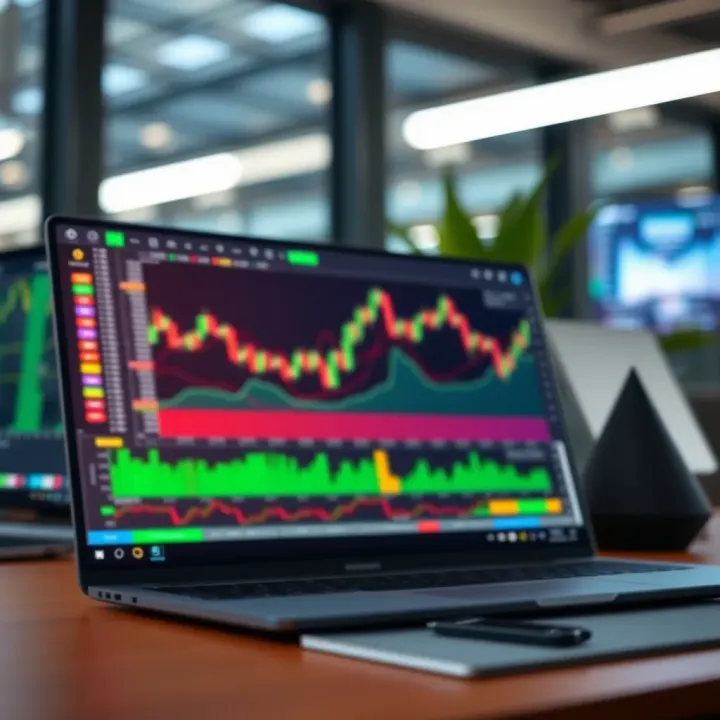
Using TradingView for Market Analysis
📊 Learn how to set up and use TradingView for precise market analysis. Discover key features, integration tips, and ways to tackle challenges for smarter trades.
Edited By
Thomas Green
TradingView's live charts have become a staple tool for traders and investors looking to keep a finger on the pulse of financial markets. Whether you are tracking equities listed on the Nairobi Securities Exchange (NSE), global commodities, forex pairs, or cryptocurrencies, these charts provide up-to-the-minute data that helps in making informed decisions.
Kenyan users benefit from the platform's accessibility and customisation options. For example, setting the timezone to East Africa Time (EAT) ensures that market sessions align correctly with local trading hours. This is crucial when following NSE stocks or international markets with different session times.
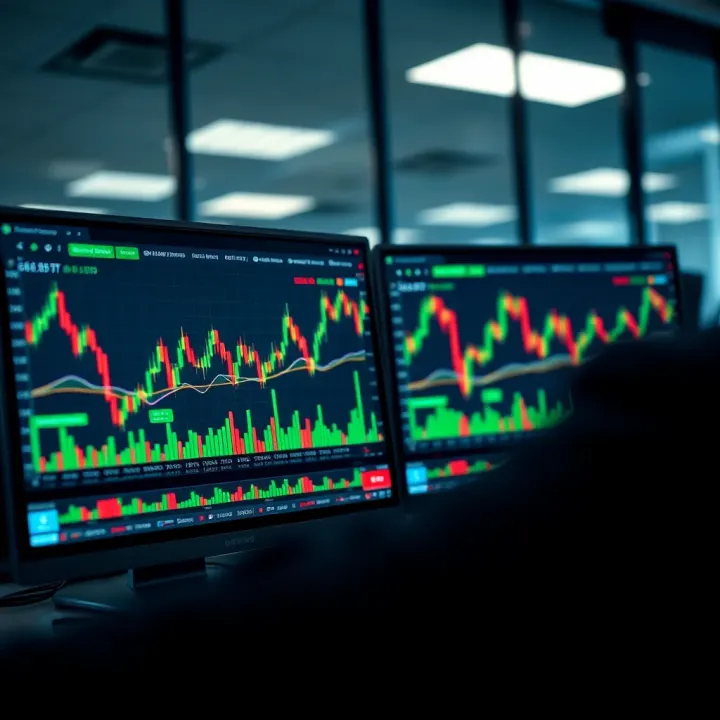
The live charts offer several features tailored to effective analysis:
Multiple chart types: From simple line charts to candlesticks and Heikin Ashi, each visualisation suits different trading styles.
Technical indicators: Traders can overlay moving averages, RSI, Bollinger Bands, and dozens more to spot trends or potential reversals.
Drawing tools: Trendlines, Fibonacci retracements, and support/resistance levels can be drawn directly on charts for clearer pattern recognition.
Using these tools smartly can save you from costly mistakes and highlight entry or exit points for trades.
In practice, say you are monitoring KCB Group shares on the NSE. Watching the candlestick patterns in real time alongside volume spikes might reveal whether buying pressure is building or if the price is about to dip. Coupling this with RSI values can confirm if the stock is overbought or oversold.
The platform's alerts feature also helps you stay ahead by notifying when prices hit certain levels or when indicators signal possible moves. These alerts can be set via email or mobile notifications—handy for entrepreneurs balancing market watch with everyday hustles.
Overall, TradingView live charts bring vital, real-time clarity to market analysis. They help you read beyond price movements, combining data and visual cues that empower Kenyan traders and investors to make sharp, timely decisions in a fast-changing market environment.
TradingView live charts offer an immediate way to track financial markets, essential for making quick, informed decisions. For traders and analysts in Kenya, understanding these charts means you can spot opportunities in stocks listed on the Nairobi Securities Exchange (NSE), forex pairs involving the Kenyan shilling, or even global commodities. Having real-time data at your fingertips helps you react to market shifts without delay, which is crucial in volatile markets.
TradingView stands out because it brings a comprehensive package to one platform. It combines real-time market data with powerful analysis tools, customisable charts, and a vibrant user community sharing ideas. Its cloud-based interface allows you to access your set-ups from desktop or mobile, meaning you can monitor markets anywhere — whether sitting at your desk in Nairobi or on the go in Mombasa. Plus, TradingView supports data from over 50 global exchanges, making it easy to track everything from NSE shares to forex pairs involving the US dollar or euro.
Candlestick charts are the most popular among Kenyan traders because they provide detailed information on price action. Each candlestick shows the opening, closing, high, and low prices over a chosen time frame. A green candle means the price went up, red means it dropped. This makes it easier to see buying or selling pressure with just one glance. For example, if you notice several green candles forming higher highs on Safaricom share prices, it suggests a bullish trend.
Line charts connect closing prices across time into a simple trend line. While they lack detail on intraday price moves, their simplicity helps traders focus on overall trends without getting distracted by short-term noise. This is useful when analysing longer-term patterns, such as tracking KCB Bank’s stock over several months to decide entry or exit points.
Bar charts provide information similar to candlesticks but display it differently. Each bar shows the price range during the interval with vertical lines and indicates opening and closing prices with horizontal ticks on the sides. Some traders prefer bar charts because they offer a clean view of price movements, which helps in spotting where the market pushed and where it stalled. It’s handy when analysing volatile forex pairs like USD/KES.
Heikin Ashi charts smooth out price fluctuations by averaging candles. This technique helps reduce market noise and makes it easier to identify sustained trends. Kenyan traders might use these charts when they want to avoid false signals, especially during choppy market sessions. For instance, during times when NSE markets show mixed signals, Heikin Ashi can give a clearer picture on whether an uptrend or downtrend dominates.
TradingView connects directly to multiple exchanges to provide live price updates, which is key for traders who cannot afford delays. Unlike many free services that refresh every 15 minutes or longer, TradingView can offer almost instantaneous updates. This is particularly valuable during NSE trading hours or when forex markets cross over different time zones, ensuring your decisions are based on the latest market moves.
Users can select from various time frames, from one-minute charts up to monthly views. Short intervals like 5 or 15 minutes suit day traders looking for quick gains, while daily or weekly charts help position traders monitor longer trends. For those dealing with local NSE shares, it’s useful to switch between intervals depending on your trading style. For example, a varsity student trading during break hours might use a 15-minute chart, whereas a long-term investor pays attention to daily or weekly charts.
Mastering TradingView live charts means you not only see numbers update but also interpret them quickly and accurately — a skill that turns information into real money-making moves.
Getting your TradingView charts set up for the Kenyan market makes following stocks and forex pairs much easier and more relevant. It means you won't waste time hunting for local listings or fighting with wrong time settings. Setting up correctly helps you stay on top of market shifts and make smarter trading decisions specific to our environment.
To get started, first register on TradingView's website or through their app. The process is straightforward—enter your email, create a password, and verify your account. Once done, you gain access to their live charts dashboard. This platform hosts real-time price movements for thousands of instruments, including local NSE stocks and regional forex pairs. Importantly, the free version already offers plenty of live data, though some premium features require subscription.
TradingView includes NSE equities, allowing you to pull up charts for companies like Safaricom, Equity Bank, and East African Breweries. Simply search for the symbol or company name in the search bar to load their live price charts. Having quick access to NSE symbols streamlines your research and keeps your focus on the local market you care about.
Forex traders benefit by adding pairs that involve the Kenyan shilling (KES), such as USD/KES or EUR/KES. TradingView supports these regional forex pairs with live pricing. Tracking these pairs helps you gauge currency risk, vital for importers, exporters, or investors who deal with foreign exchange.
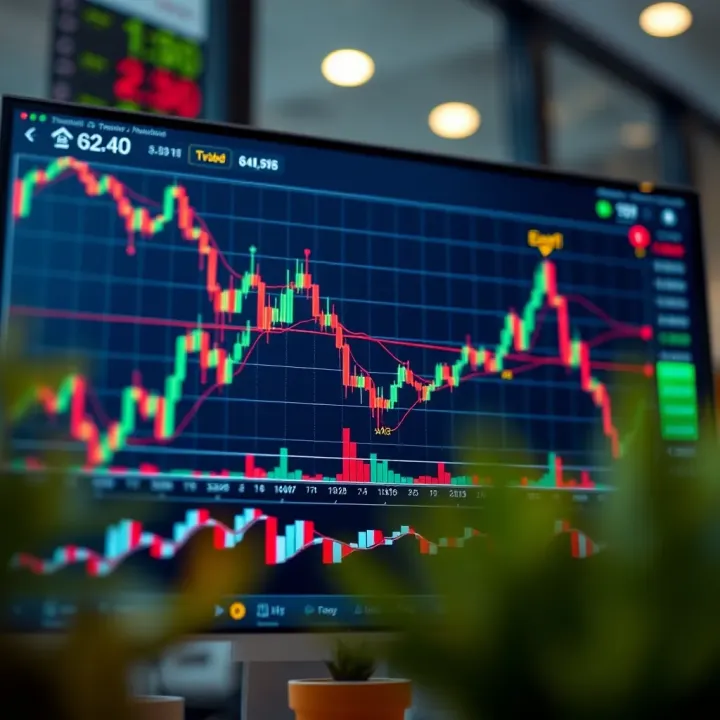
The default time zone on TradingView might be set to GMT or US timings, which can be confusing for Kenyan users. Changing the chart time zone to East Africa Time (EAT) aligns trading hours and candle intervals with the NSE and local forex market timings. This helps to avoid misreading price movements due to timing differences.
TradingView provides both mobile apps and a full desktop web platform. While desktop offers advanced features like multiple chart layouts and deeper technical analysis tools, the mobile app covers most essentials, including real-time charts and alert settings. This flexibility suits traders on the go, especially Nairobi commuters relying on mobile devices.
Many Kenyan traders face connectivity challenges outside major towns. TradingView’s mobile app includes options to reduce data usage, like disabling animations or limiting chart updates. Using these features ensures you still get live market information without overloading your internet bundles, keeping you connected even in low network areas.
Setting up your TradingView account properly, customising your charts with local data, and choosing the right platform make a big difference in how effectively you can analyse Kenyan markets in real time.
By following these steps, you personalise your market view to local realities, helping cut through noise and focus on what moves your investments or trades the most.
TradingView live charts offer several key features that traders and investors can use to analyse markets more effectively. These tools help you identify trends, reversals, and potential entry or exit points. By mastering these features, you gain an edge in interpreting market data in real time and making informed decisions.
Moving Averages are among the simplest yet most popular technical indicators. They smooth out price data by averaging past prices over a set period, such as 20 or 50 days. This helps you spot the overall direction of an asset's price, filtering out short-term fluctuations. For instance, a rising 50-day moving average on an NSE stock like Safaricom might indicate a sustained upward trend. In Kenya's fast-moving markets, moving averages help you avoid knee-jerk reactions to random price jumps.
The Relative Strength Index (RSI) measures how fast and how far prices have changed, signalling whether an asset is overbought or oversold. An RSI reading above 70 often means the market may be due for a downside correction, while below 30 suggests a potential buying opportunity. Say you are tracking the USD/KES forex pair; if the RSI shows oversold conditions, it might hint at a short-term rebound. This helps you time your trades better and avoid chasing prices.
Bollinger Bands consist of a moving average with two bands placed above and below it, reflecting the price volatility. When the bands narrow, it signals lower volatility and a possible upcoming breakout. Wider bands, on the other hand, show high volatility. For Kenyan traders, Bollinger Bands can be useful in commodities like coffee futures, indicating when prices are about to shift sharply. These bands help you prepare for moves before they happen, rather than reacting late.
Trend Lines connect significant price points to highlight the direction of the market. Drawing an upward trend line under the lows of an NSE stock can reveal a strong support level, while a downward line marks resistance. Trend lines simplify complex price movement, making it easier to recognise when a trend may be breaking or continuing.
Fibonacci Retracements identify possible retracement levels by marking percentages of prior price moves, typically 38.2%, 50%, and 61.8%. Traders use these levels to find potential support or resistance zones within a trend. If KCB Group shares rise sharply and then pull back, watching the 50% Fibonacci level might show where buyers step in again. In practice, this tool adds precision to your entry or exit points.
Support and Resistance Levels mark price zones where assets repeatedly find buying support or selling pressure. Pinpointing these levels allows you to anticipate possible price bounces or breakouts. For example, if Equity Bank stock struggles to break above KSh 55 but bounces several times off KSh 50, you can use these levels to set stop-loss or take-profit orders effectively.
Setting Price Alerts on TradingView helps you stay updated without staring at your screen all day. You can set alerts for when an asset hits a certain price, crosses a moving average, or breaks a trend line. This is valuable for Kenyan traders juggling other commitments but still wanting to act quickly when opportunities arise.
Notification Settings and Delivery Methods determine how you receive alerts: via pop-ups, emails, or phone notifications. Fine-tuning these settings ensures you won’t miss critical market developments whether you’re in Nairobi traffic or away from your desk. For example, receiving a timely M-Pesa payment alert alongside a price alert allows seamless trade execution.
Mastering these TradingView features equips you with the tools needed to analyse markets with confidence, keeping you ahead of local and global market moves.
Using live charts effectively means more than just watching prices move on a screen. It requires understanding how to read price actions, volume changes, and technical indicators while avoiding common pitfalls that can confuse traders. This section focuses on practical tips to sharpen your skills in interpreting TradingView live charts to make smarter, timely market decisions.
Price trends are the backbone of market analysis. Recognising an upward or downward trend early helps you decide when to enter or exit trades. For example, if a stock listed on the Nairobi Securities Exchange (NSE) consistently closes at higher highs and higher lows, it suggests a bullish trend. Conversely, a series of lower highs and lower lows signals a bearish trend. Reversals happen when the market sentiment flips, and identifying these points – say, a sudden drop after weeks of gains – can save you from losses or open profitable opportunities.
Drawing trend lines or using simple moving averages can highlight these patterns clearly. Active Kenyan traders often look beyond short-term spikes on TradingView to confirm trends before making moves.
Volume shows the number of shares or contracts traded and confirms the strength of price movements. If a Nairobi stock price rises on high volume, it indicates strong buying interest and increases the chance that the trend will continue. Low volume pushes, on the other hand, tend to be weak and unsustainable.
For instance, if KCB Group shares rally but volume is down, cautious traders might wait before betting on the move. Volume spikes during reversals also act as red flags; a price drop accompanied by rising volume may mark the start of a downtrend.
Using multiple indicators together helps, but stacking too many can confuse your analysis. Too many signals make it hard to decide which ones matter, especially when they conflict. For example, combining RSI, MACD, Bollinger Bands, and Fibonacci retracements without a clear plan can lead to paralysis by analysis.
Keep your chart simple. Focus on two or three indicators that you understand well. This clear setup suits traders who need quick decisions, especially during Nairobi’s volatile trading hours.
Successful traders pick indicators that confirm rather than contradict. For example, pairing RSI (which shows overbought or oversold conditions) with moving averages (which reflect trend direction) can provide powerful combined signals.
If RSI suggests a share is oversold while the price nears a long-term support level, that’s a stronger signal to buy than using either indicator alone. Such combinations fit well with live data offered by TradingView, allowing Kenyan investors to act confidently.
Charts don’t operate in a vacuum. Economic news, corporate earnings, political events, and even local factors like election cycles affect market behaviour. Ignoring context leads to wrong conclusions.
For instance, a sudden price dip during a national election year may be temporary. Without considering such background, traders might sell prematurely. Kenyan traders should always complement chart analysis with news updates and economic data relevant to the NSE or forex pairs.
Live charts show constant price changes, tempting traders to buy and sell frequently. However, reacting to every minor move often eats into profits through commissions and poor timing.
It’s best to set clear entry and exit points and use alerts on TradingView to avoid emotional decisions. Watching every tick wastes time and can lead to losses. Kenyan traders balancing full-time jobs find this approach particularly helpful.
Watching charts live is useful, but knowing what and when to act matters much more for consistent trading success.
Following these tips can make your experience with TradingView live charts more profitable and less stressful. Understanding price trends, volume, indicator use, and market context creates a solid foundation for effective market analysis.
Integrating TradingView live charts into your daily trading routine is key to making informed and timely decisions. Using this tool alongside your broker’s platform lets you spot trends early and execute trades more efficiently. Kenyan traders benefit especially when they combine real-time data, community insights, and economic news alongside their charts.
TradingView supports direct connections with several popular brokers globally, including those accessible in Kenya either directly or through regional affiliates. Brokers like IG, OANDA, and ForexTime allow traders to link their accounts to TradingView for more seamless analysis and execution. This integration means you can analyse market movements on TradingView and then place orders without juggling between platforms.
Such an arrangement cuts down on manual entry errors, speeds up execution, and lets you react faster to changing market conditions. For example, a trader following NSE stocks can perform technical analysis on TradingView and then quickly place orders through their broker’s interface connected to the chart.
Besides monitoring charts, TradingView allows placing market and limit orders directly when linked to supported brokers. This is a practical feature because you can use chart setups, indicators, and alerts without switching screens to place your trades.
For Kenyan investors dealing in forex or regional markets, this can be a major advantage, especially during volatile sessions. Suppose you spot a reversal pattern confirmed by RSI and volume spikes on TradingView — you can act immediately by placing an order on the same platform rather than navigating separately to your broker’s app.
TradingView’s social features encourage traders to share their chart layouts and technical setups with peers. This is valuable for Kenyan traders aiming to learn or verify ideas from others. Sharing setups means you can see how others adjust indicators or mark support and resistance levels on NSE stocks or forex pairs.
This collaborative approach builds a solid base of shared knowledge and sharpens your market understanding by comparing viewpoints. For example, a trader focused on Safaricom shares might share a chart highlighting Fibonacci retracements that helped anticipate price pullbacks.
Idea streams on TradingView are like discussion boards where traders post trade ideas, charts, and forecasts. Joining Kenyan-based idea streams helps keep you in touch with local market sentiment, including reactions to events such as the release of Kenya’s inflation data or major political developments.
Being part of these conversations allows you to gauge market mood and refine your strategy. Plus, you get access to perspectives you might not come across on your own — practical for spotting opportunities or risks early.
Market charts tell one part of the story; news and economic data fill in the rest. TradingView integrates news feeds that cover local Kenyan and global financial events. Staying updated on news like Central Bank of Kenya statements or NSE-listed companies' earnings reports enriches your analysis and helps avoid surprises.
For instance, if the CBK signals a policy rate change, you can quickly check your charts to decide if forex or banking stocks might be affected and adjust trades accordingly.
Kenyan traders should keep an eye on indicators such as inflation rate, GDP growth, foreign exchange reserves, and agricultural output reports. These influence market movements directly or indirectly.
TradingView allows you to track economic calendars alongside price charts, making it easier to prepare for events that might cause volatility. For example, ahead of Kenya National Bureau of Statistics’ inflation report, traders can observe price action in the shilling or equities and adjust risk accordingly.
Integrating TradingView’s live charts into your workflow with broker connections, community inputs, and economic updates helps you trade smarter in Kenya’s dynamic market.
📊 Learn how to set up and use TradingView for precise market analysis. Discover key features, integration tips, and ways to tackle challenges for smarter trades.
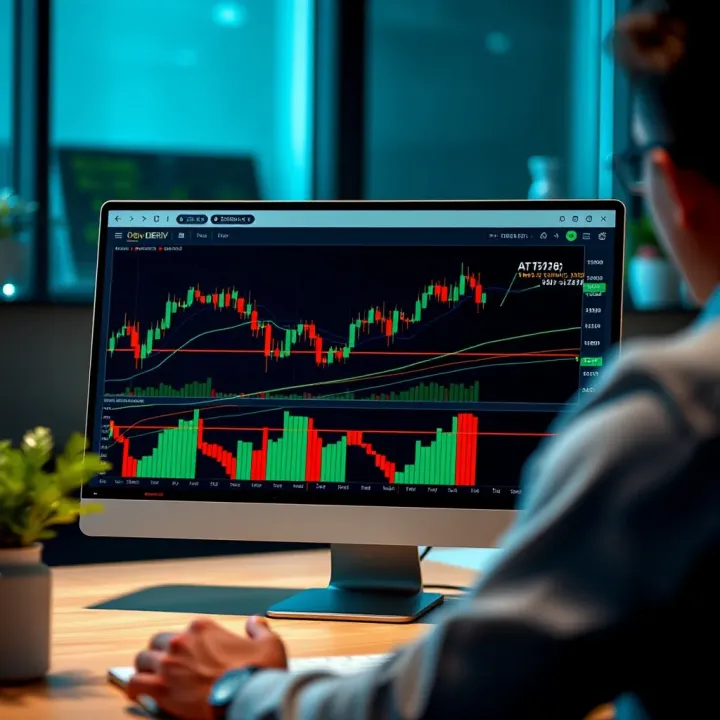
📈 Learn how to integrate TradingView charts on the Deriv platform for smarter trading. Get practical tips, handle challenges, and make informed moves confidently.
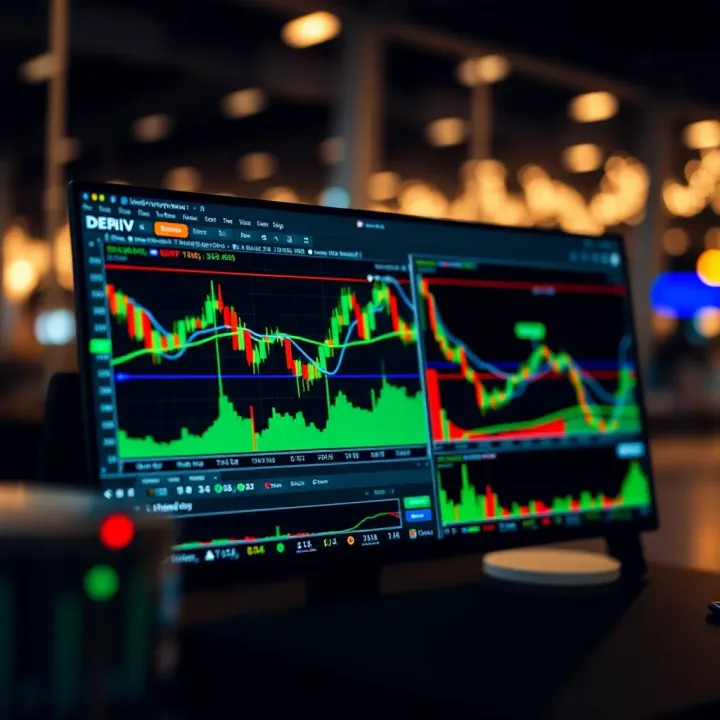
Explore how Deriv and TradingView charts work together 📈 for smarter trading. Learn tips and tricks to improve your market analysis for effective decisions.
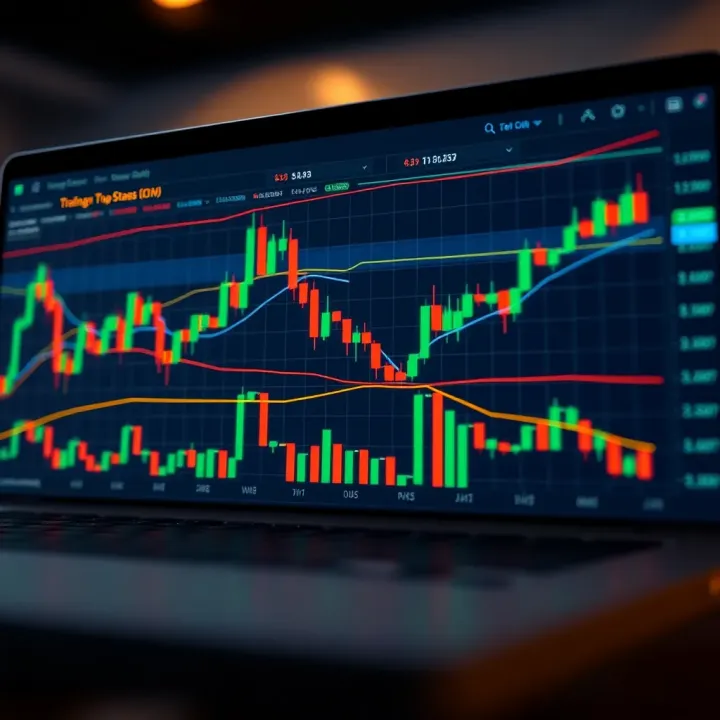
📈 Discover how Kenyan traders use TradingView charts for binary options. Learn key indicators, chart customization, risk management & platform integration!
Based on 8 reviews